Computer control / Free and open source
DeskVNC
Let an AI agent work on a real computer, with a person able to take control.
Windows, macOS and Linux. Read the project's current release notes, licence and setup requirements before installing.
See it work on this page
Hand the agent a desktop. Take it back.
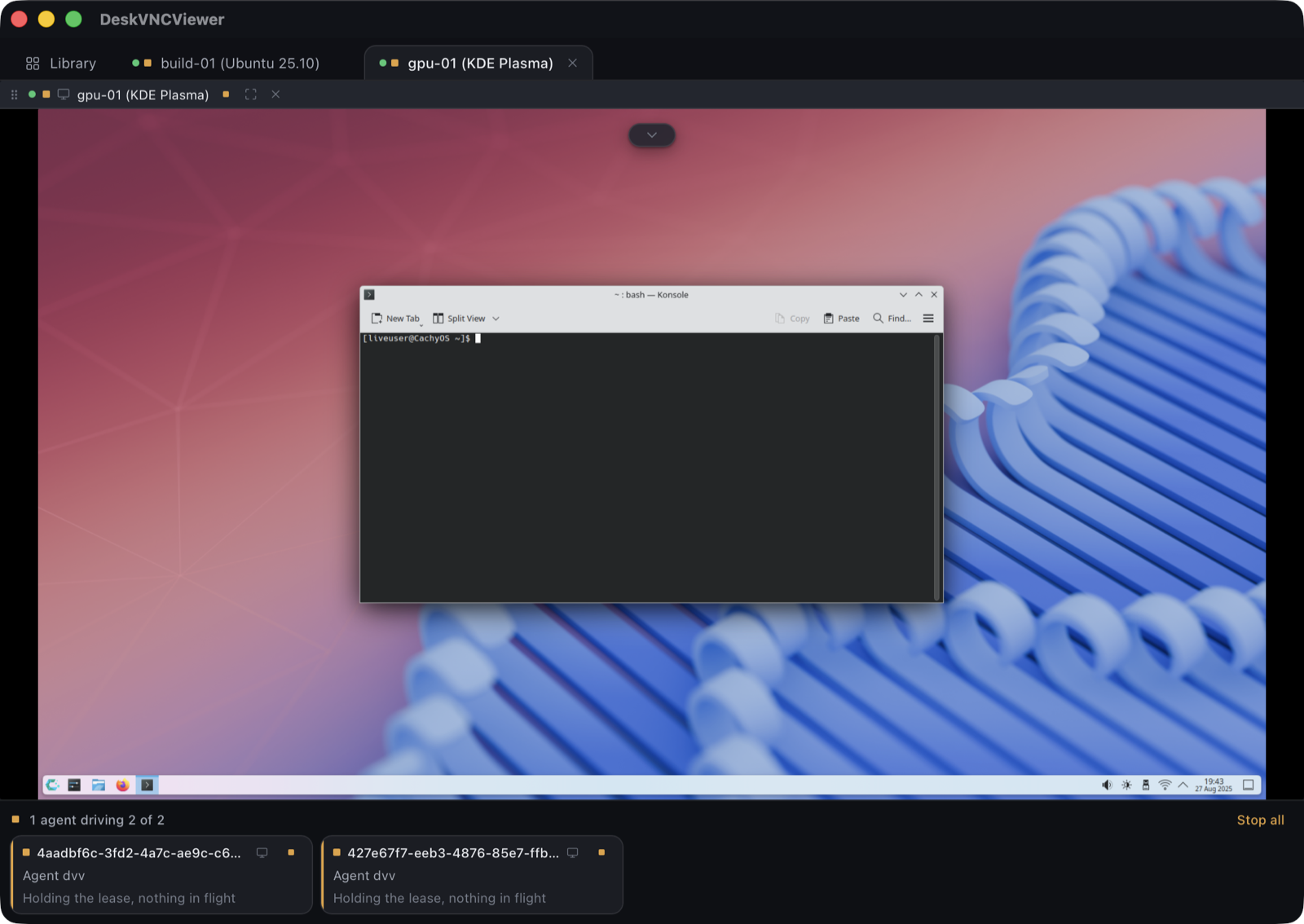
The agent fills a bill from an invoice through DeskVNC's own tools. Press Take over halfway through: its lease is revoked, its next call is refused and the form is yours.
Pick a job and watch the AI use this computer.
These are three computers in your office. Give the AI a job and watch it open mail, spreadsheets, documents and websites. Click a computer to watch it, and grab its mouse whenever you like.
What you can do
Connect to the applications your team already uses. An agent can see the screen, click and type through the same remote session you use by hand.
- VNC, RDP and SSH in one host library
- Agent tools for viewing and operating desktops
- Control leases that let a person take over
- Attended remote support with connection approval
Start with the software
Download the build for your computer. Add a host, then follow the repository guide to connect your chosen AI agent.
These tools are actively developed. Capabilities and platform support are documented in each repository.
Put DeskVNC
to work in your company.
We configure the connections and access, connect the AI tools, and build a checked workflow around the applications your team uses.
Discuss your project