Browser workflows / Free and open source
BrowserGlass
Run browser work that people can watch and take over.
Node.js with Chrome or Chromium. Read the project's current release notes, licence and setup requirements before installing.
See it work on this page
Run the example. Grab the browser.
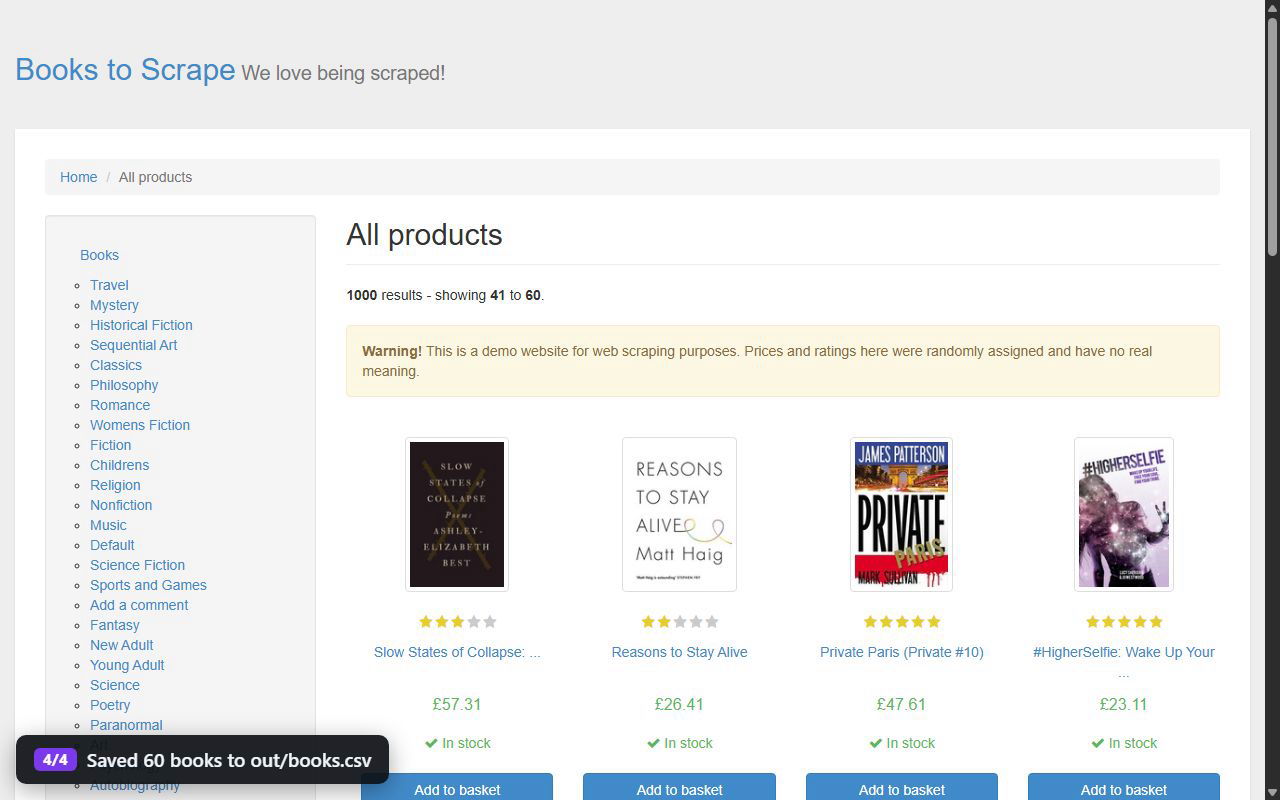
This replays the public books-to-csv example step by step. Click inside the browser while it runs and the script waits for you to hand it back.
A fresh browser, ready for work.
A fresh browser, ready for work.
A fresh browser, ready for work.
A fresh browser, ready for work.
A fresh browser, ready for work.
A fresh browser, ready for work.
A fresh browser, ready for work.
Six live browsers. Ask the AI to compare suppliers, sign in somewhere, place an order or test a website, and watch them all work. When a site needs a person, it hands you the browser.
What you can do
Build a workflow that opens websites, works through forms and gathers information. A person can use the same browser when the task needs their attention.
- Live browser viewing inside your application
- Automation and human control in one session
- Forms, exports and website checks
- Runnable examples for developers
Start with the software
Clone the repository and follow its quick start. BrowserGlass is an active development project; setup currently uses the source repository.
These tools are actively developed. Capabilities and platform support are documented in each repository.
Put BrowserGlass
to work in your company.
We build the business workflow, configure authentication for the deployment and connect the output to your systems.
Discuss your project